Dagster+ MCP server
This feature is only available in Dagster+.
This feature is considered in a beta stage. It is still being tested and may change. For more information, see the API lifecycle stages documentation.
The Dagster+ MCP server allows you to access information and take actions in your Dagster+ deployment within an AI session.
The server URL depends on the region your organization is in:
| Region | URL |
|---|---|
| US | https://mcp.agent.dagster.cloud/mcp |
| EU | https://mcp.agent.eu.dagster.cloud/mcp |
The examples below use the US URL. If your organization is in the EU region, substitute the EU URL.
Connecting to the MCP server
You can connect to the Dagster+ MCP server using OAuth or by manually specifying a few headers. Using OAuth will use your user permissions when determining the MCP server permissions. If you would like to create a different set of permissions for the MCP server, we recommend creating a service user and providing authentication headers when adding the MCP server. See the Other Agent Harnesses section below for instructions for using headers for authentication.
- Claude Code
- Codex
- Other Agent Harnesses
-
Install and sign in to Claude Code using the setup guide.
-
Within your terminal, run the following command:
claude mcp add --transport http dagster-plus https://mcp.agent.dagster.cloud/mcpEU users should specify the URL
https://mcp.agent.eu.dagster.cloud/mcp -
Start a
claudesession and type/mcp. Select thedagster-plusMCP server and select Authenticate. This will open a browser window where you can log into Dagster+ and allow the MCP server access to your account.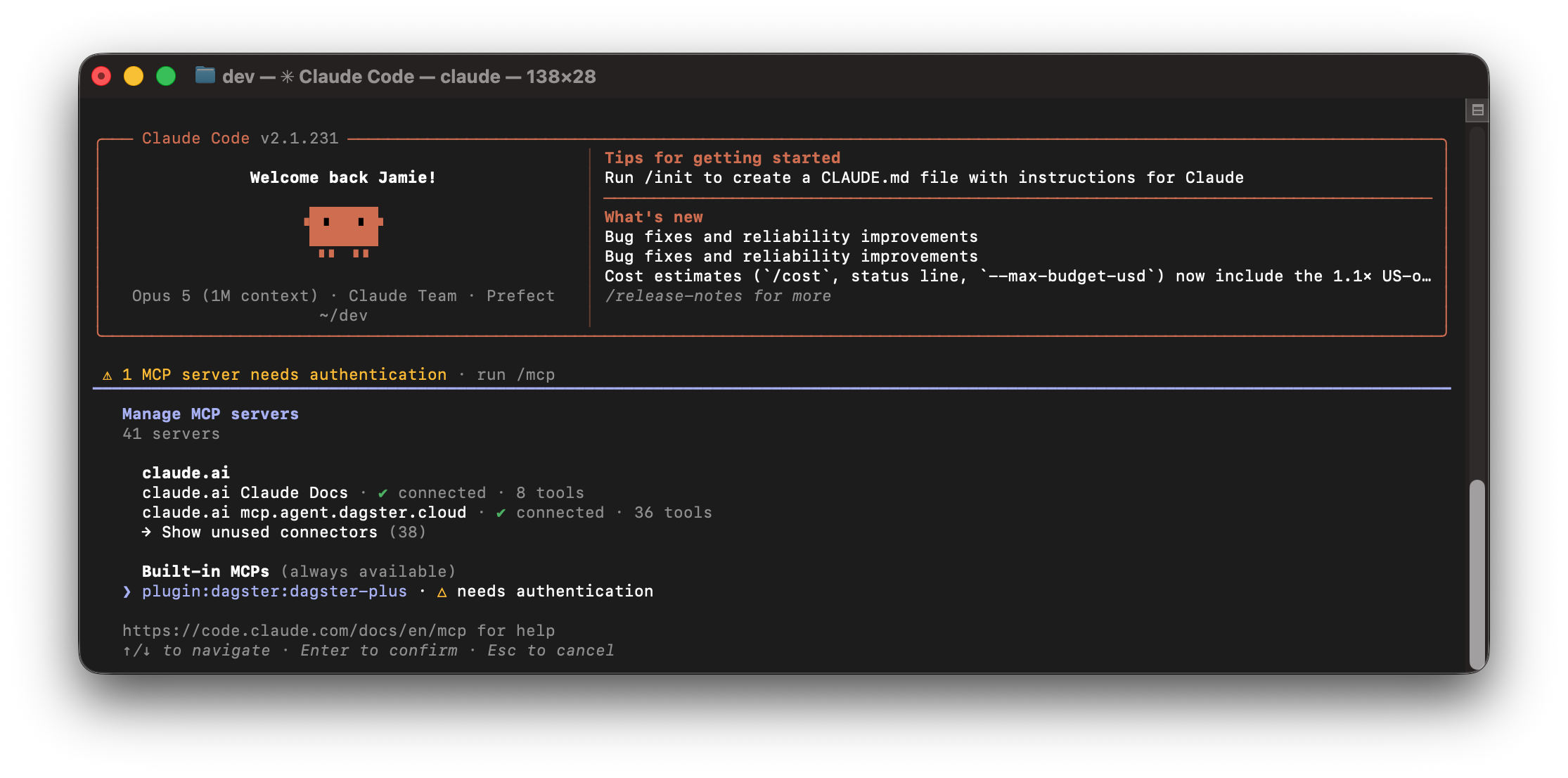
-
Install Codex from the official setup guide and sign in.
-
Within your terminal, run the following command:
codex mcp add dagster-plus --url https://mcp.agent.dagster.cloud/mcpEU users should specify the URL
https://mcp.agent.eu.dagster.cloud/mcp -
An authentication flow should immediately open and prompt you to allow the MCP server to access your Dagster+ account.
-
Start a
codexsession and type/mcp. You should seedagster-pluslisted as connected.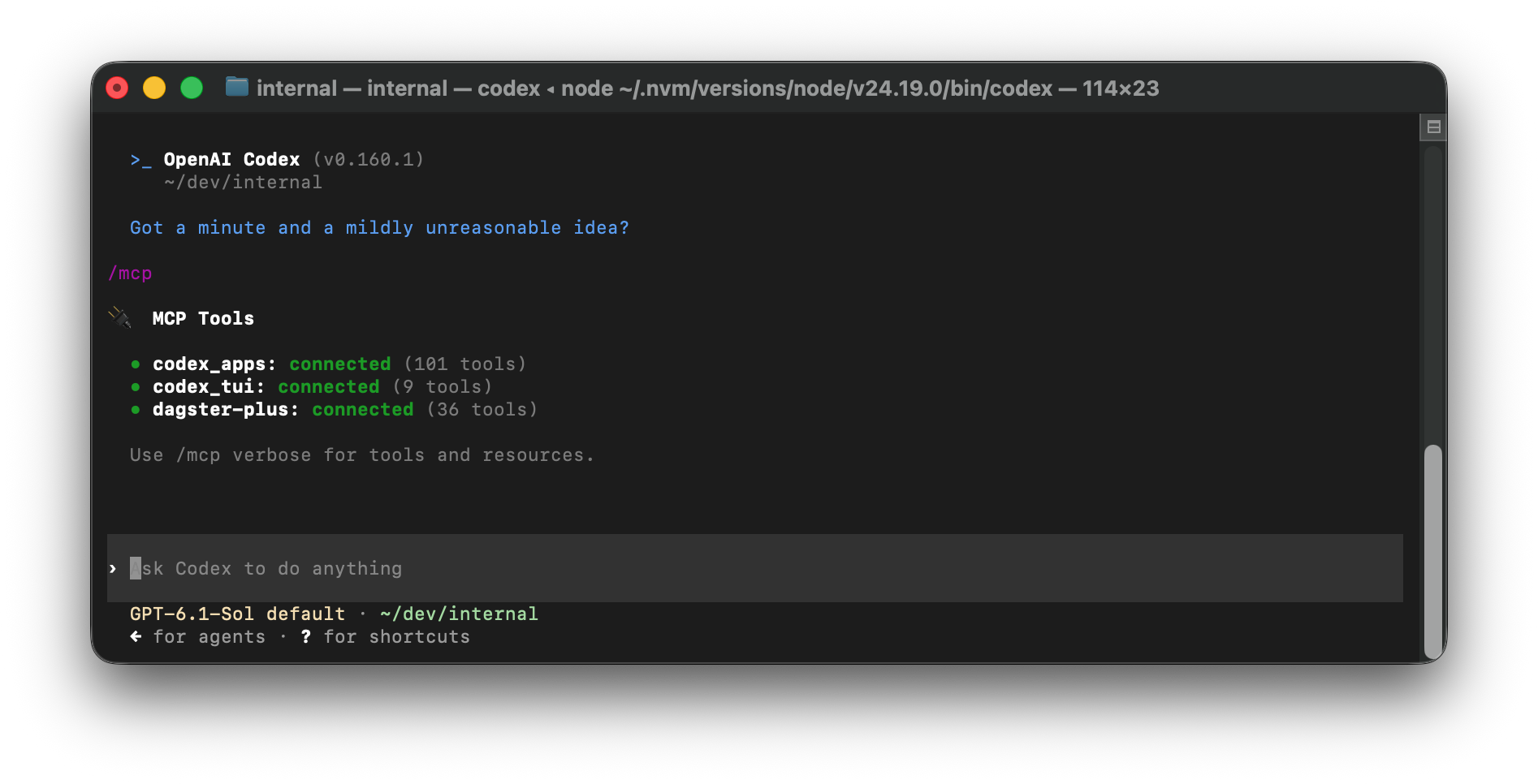
If your agent harness supports OAuth, add the Dagster+ MCP server at https://mcp.agent.dagster.cloud/mcp (or https://mcp.agent.eu.dagster.cloud/mcp for EU users). Start the OAuth flow for the MCP server according to your provider's instructions.
You can also connect to the Dagster+ MCP server by specifying a URL and a few headers. This bypasses authentication through OAuth.
-
URL:
https://mcp.agent.dagster.cloud/mcp(EU:https://mcp.agent.eu.dagster.cloud/mcp) -
Headers:
Authorization: Bearer [your user token]Dagster-Cloud-Organization: [your dagster organization]
For information on accessing your user token, see Managing user tokens in Dagster+.
Example: Adding the Dagster+ MCP server to Claude Code with custom headers
Within your terminal, run the following command:
claude mcp add --transport http dagster-plus https://mcp.agent.dagster.cloud/mcp --header "Dagster-Cloud-Organization: [organization]" --header "Authorization: Bearer [token]"
Available tools
Using the Dagster+ MCP server you can:
| Object | View | Create/Launch | Update | Delete/Terminate | Insights metrics |
|---|---|---|---|---|---|
| Runs | ✅ | ✅ | ❌ | ✅ | ✅ |
| Run logs | ✅ | ➖ | ➖ | ➖ | ➖ |
| Assets | ✅ | ✅ | ❌ | ❌ | ✅ |
| Deployments | ✅ | ❌ | ❌ | ❌ | ✅ |
| Alert policies | ✅ | ✅ | ✅ | ✅ | ➖ |
| Dagster+ Issues | ✅ | ✅ | ✅ | ✅ | ➖ |