
Blog
How to Orchestrate Across Multiple Databricks Workspaces Without Losing Your Mind

How to Orchestrate Across Multiple Databricks Workspaces Without Losing Your Mind

April 20, 2026
How to Orchestrate Across Multiple Databricks Workspaces Without Losing Your Mind

Once your pipelines span multiple Databricks workspaces, you're no longer orchestrating a single system you're coordinating a distributed one.

Your First Workspace Was a Revelation. Your Thirtieth Is a Crisis.

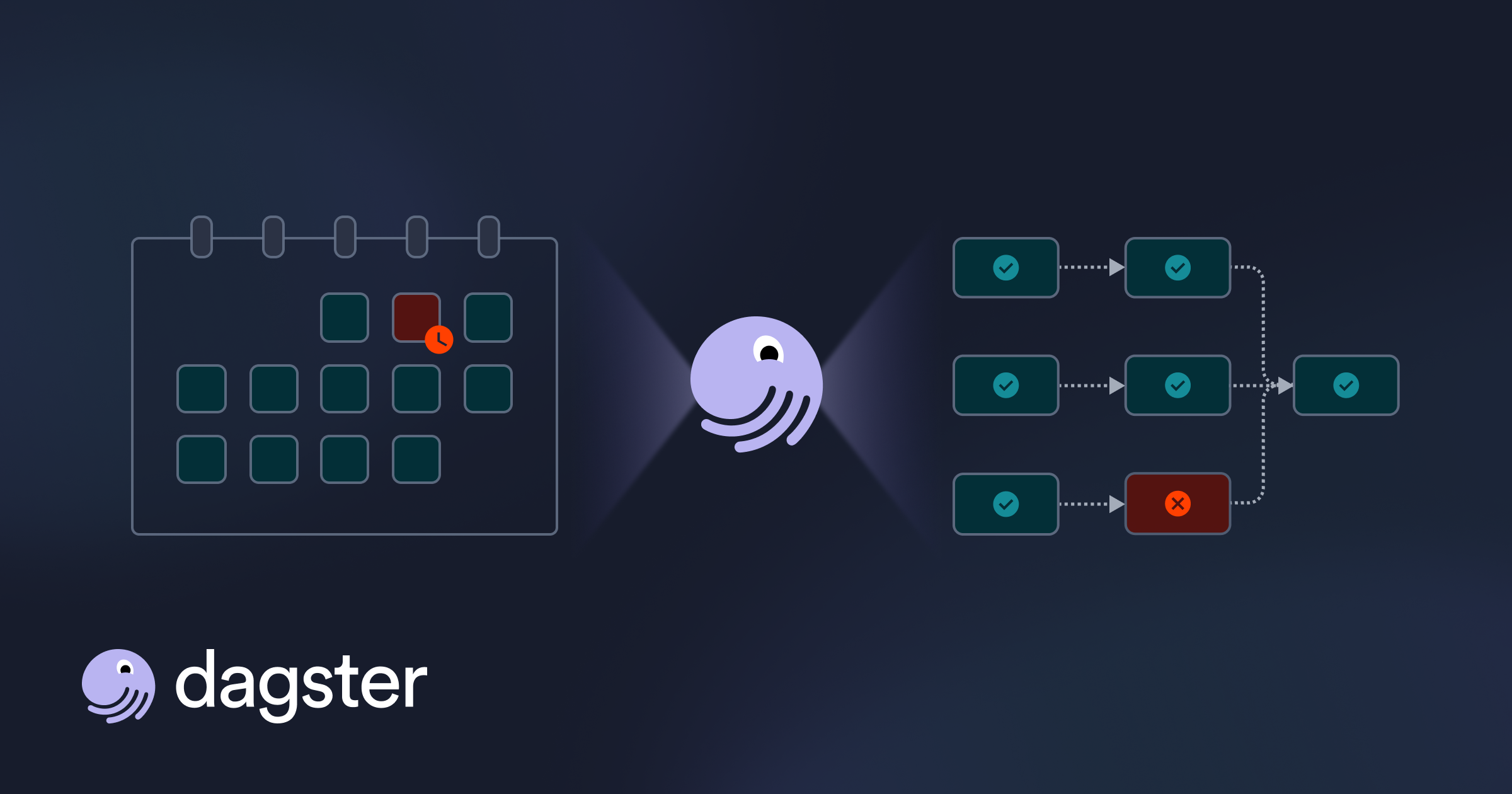
Somewhere between workspace five and workspace twenty, you lost the ability to answer a simple question: when Team A's pipeline fails at 3 AM, which downstream teams in which other workspaces are affected?

Lakeflow Jobs does not know. It cannot see across workspace boundaries. The "Run Job" task only triggers jobs within the same workspace.

So teams stitch together REST API polling scripts, Slack alerts, and a growing web of fragile dependencies.

When Workspaces Become a System

You start with one Databricks workspace. Within months, you have twelve.

This is how Databricks is designed to scale: split across environments, teams, and data products.

But once pipelines span multiple workspaces, you are no longer orchestrating inside a single system. You are coordinating a distributed one.

Dependencies exist across workspaces, but they are not defined anywhere.

What Actually Breaks

Consider a common scenario.

A finance team produces a curated dataset in one workspace. A machine learning team consumes that dataset in another to train a model.

If the upstream pipeline fails or runs late, nothing in Databricks prevents the downstream job from executing. There is no native way to express that dependency across workspaces, and no shared understanding of what is affected.

The result is predictable: stale data, inconsistent model outputs, and finance and ML engineers debugging the same failure from opposite ends of the platform.

From Visibility to Coordination

The first step is visibility.

Connections is the read-only entry point. It provides a view into Databricks jobs and pipelines across workspaces without requiring code changes, so you can see what exists and how it is structured.

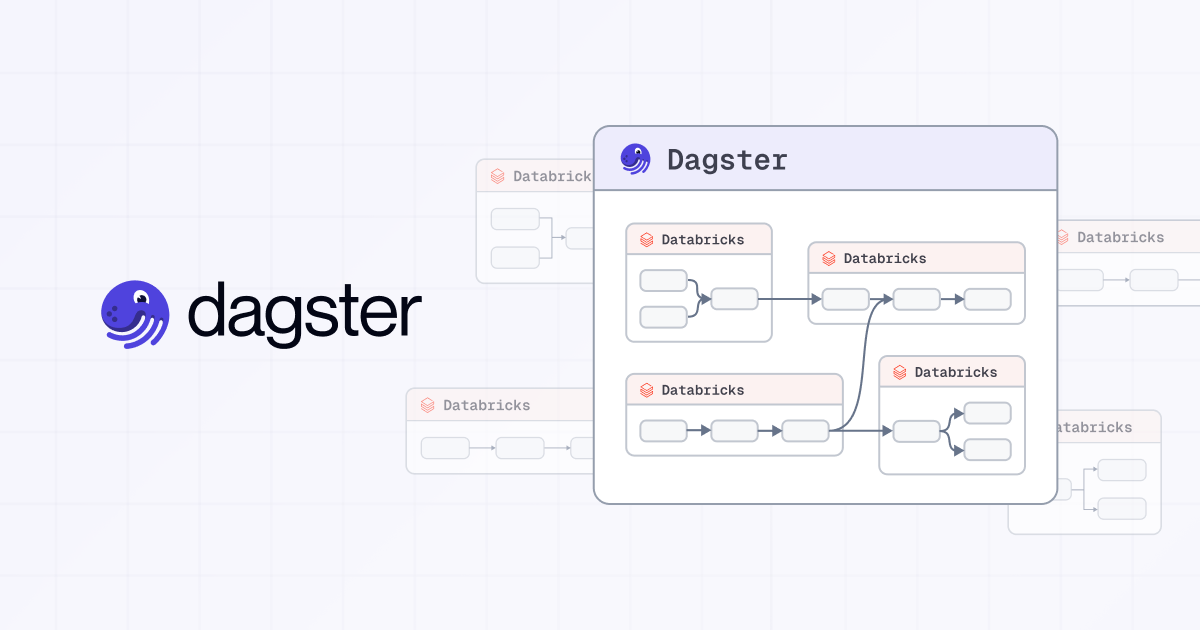
The DatabricksWorkspaceComponent is the next step. It loads those jobs into Dagster as assets, bringing them into a single asset graph where dependencies can be defined across workspaces and execution coordinated accordingly.
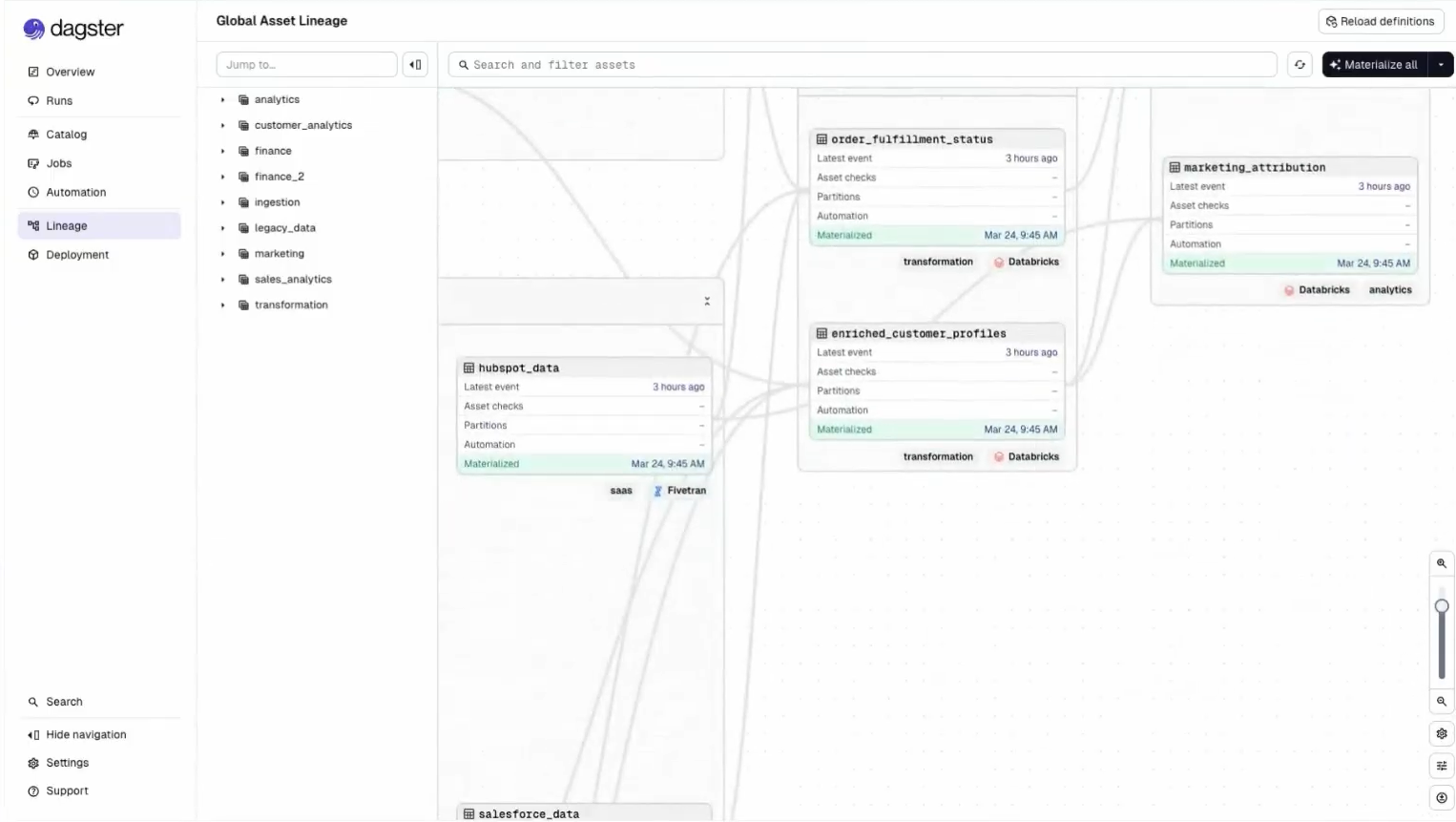
This is the shift: from observing pipelines to controlling how they relate.

What This Looks Like in Practice

Back to finance and ML.

With both workspaces connected, the curated finance dataset appears in the asset graph as an upstream dependency of the ML training job. That dependency is now declared, not implied:

@asset(deps=[finance_workspace.curated_revenue])
def churn_model_training(context):
    ...

When the finance pipeline fails or runs late, the ML job does not execute on stale inputs. A freshness policy on the curated dataset enforces the expectation explicitly, and both teams see the same lineage when something breaks.

The cross-workspace dependency that used to live in a Slack thread now lives in code.

The Bottom Line

Databricks scales by adding workspaces. As it scales, orchestration becomes a cross-workspace problem.

Dagster provides the missing layer by allowing you to observe, define, and orchestrate dependencies across your entire platform. This is what cross-workspace orchestration for Databricks actually requires.

If your pipelines already span multiple workspaces, this is not theoretical. It is already your reality.

For a hands-on walkthrough of connecting multiple workspaces, auto-discovering assets with the DatabricksWorkspaceComponent, and building a unified asset graph — watch the full deep dive.
Have feedback or questions? Start a discussion in Slack or Github.

Interested in working with us? View our open roles.

Want more content like this? Follow us on LinkedIn.

Dagster Newsletter

Get updates delivered to your inbox

Latest writings

The latest news, technologies, and resources from our team.

Multi-Tenancy for Modern Data Platforms
Webinar

April 13, 2026

Multi-Tenancy for Modern Data Platforms

Learn the patterns, trade-offs, and production-tested strategies for building multi-tenant data platforms with Dagster.

Deep Dive: Building a Cross-Workspace Control Plane for Databricks
Webinar

March 24, 2026

Deep Dive: Building a Cross-Workspace Control Plane for Databricks

Learn how to build a cross-workspace control plane for Databricks using Dagster — connecting multiple workspaces, dbt, and Fivetran into a single observable asset graph with zero code changes to get started.

Dagster Running Dagster: How We Use Compass for AI Analytics
Webinar

February 17, 2026

Dagster Running Dagster: How We Use Compass for AI Analytics

In this Deep Dive, we're joined by Dagster Analytics Lead Anil Maharjan, who demonstrates how our internal team utilizes Compass to drive AI-driven analysis throughout the company.

How to Orchestrate Across Multiple Databricks Workspaces Without Losing Your Mind
Blog

April 20, 2026

How to Orchestrate Across Multiple Databricks Workspaces Without Losing Your Mind

Once your pipelines span multiple Databricks workspaces, you're no longer orchestrating a single system you're coordinating a distributed one.

Dagster 1.13: Octopus's Garden
Blog

April 9, 2026

Dagster 1.13: Octopus's Garden

Dagster skills, partitioned asset checks, state backed components, virtual assets, and stronger integrations.

Monorepos, the hub-and-spoke model, and Copybara
Blog

April 3, 2026

Monorepos, the hub-and-spoke model, and Copybara

How we configure Copybara for bi-directional syncing to enable a hub-and-spoke model for Git repositories

How Magenta Telekom Built the Unsinkable Data Platform
Case study

February 25, 2026

How Magenta Telekom Built the Unsinkable Data Platform

Magenta Telekom rebuilt its data infrastructure from the ground up with Dagster, cutting developer onboarding from months to a single day and eliminating the shadow IT and manual workflows that had long slowed the business down.

Scaling FinTech: How smava achieved zero downtime with Dagster
Case study

November 25, 2025

Scaling FinTech: How smava achieved zero downtime with Dagster

smava achieved zero downtime and automated the generation of over 1,000 dbt models by migrating to Dagster's, eliminating maintenance overhead and reducing developer onboarding from weeks to 15 minutes.

Zero Incidents, Maximum Velocity: How HIVED achieved 99.9% pipeline reliability with Dagster
Case study

November 18, 2025

Zero Incidents, Maximum Velocity: How HIVED achieved 99.9% pipeline reliability with Dagster

UK logistics company HIVED achieved 99.9% pipeline reliability with zero data incidents over three years by replacing cron-based workflows with Dagster's unified orchestration platform.

Modernize Your Data Platform for the Age of AI
Guide

January 15, 2026

Modernize Your Data Platform for the Age of AI

While 75% of enterprises experiment with AI, traditional data platforms are becoming the biggest bottleneck. Learn how to build a unified control plane that enables AI-driven development, reduces pipeline failures, and cuts complexity.

Download the eBook on How to Scale Data Teams
Guide

November 5, 2025

Download the eBook on How to Scale Data Teams

From a solo data practitioner to an enterprise-wide platform, learn how to build systems that scale with clarity, reliability, and confidence.

Download the eBook Primer on How to Build Data Platforms
Guide

February 21, 2025

Download the eBook Primer on How to Build Data Platforms

Learn the fundamental concepts to build a data platform in your organization; covering common design patterns for data ingestion and transformation, data modeling strategies, and data quality tips.

AI Driven Data Engineering
Course

March 19, 2026

AI Driven Data Engineering

Learn how to build Dagster applications faster using AI-driven workflows. You'll use Dagster's AI tools and skills to scaffold pipelines, write quality code, and ship data products with confidence while still learning the fundamentals.

Dagster & ETL
Course

July 11, 2025

Dagster & ETL

Learn how to ingest data to power your assets. You’ll build custom pipelines and see how to use Embedded ETL and Dagster Components to build out your data platform.

Testing with Dagster
Course

April 21, 2025

Testing with Dagster

In this course, learn best practices for testing, including unit tests, mocks, integration tests and applying them to Dagster.