


What Is Data Engineering?
Data engineering is the practice of designing, building, and maintaining the infrastructure necessary for collecting, storing, and processing large-scale data. It focuses on creating data pipelines that integrate raw data from various sources, transform and aggregate it, and make it available for business intelligence, AI & ML, and other use cases in a reliable, available, and usable format..
Data engineers work closely with databases, cloud platforms, and large-scale distributed systems to ensure the smooth operation of data-driven applications. Their work forms the backbone of data analytics, machine learning, and other advanced analytics tasks by ensuring that data is readily accessible, clean, and well-structured.
Technologies Used by Data Engineers and How Python Fits In
Here’s a look into some of the technologies that support data engineering.
Tools and Their Role in the Data Engineering Process
Data engineers rely on a variety of tools to manage the complexity of data pipelines. These tools are responsible for different stages of the data lifecycle, from ingestion and storage to transformation and delivery:
- Data ingestion tools: Tools like Apache Kafka and Flume are commonly used for ingesting data from multiple sources, including real-time data streams. They provide scalable, fault-tolerant systems for handling large volumes of data.
- Data storage: Data is stored in databases or distributed storage systems like Amazon S3, Hadoop Distributed File System (HDFS), or relational databases such as PostgreSQL. These storage solutions are designed to handle vast quantities of structured and unstructured data.
- Data transformation: Tools like Apache Spark and Apache Flink are used to process and transform data. They enable complex operations such as aggregations, joins, and data cleansing at scale.
- Orchestration tools: Workflow orchestration platforms like Dagster help automate the scheduling and management of data pipelines, ensuring that each task runs in the correct sequence and handles dependencies between different processes.
Programming Languages
Programming languages are essential for building data engineering infrastructure. Data engineers use various programming languages that support interaction with databases, data transformation, and process automation:
- Python: Python is popular for scripting ETL pipelines, automating tasks, and managing workflow orchestration. Its rich ecosystem of libraries makes it an ideal choice for handling a wide range of data engineering tasks.
- SQL: Structured Query Language (SQL) is the foundational language for interacting with databases. It’s used for querying, updating, and managing relational databases, making it crucial for data extraction and transformation tasks.
- Scala: Often used in combination with Apache Spark, Scala is a strong language for processing large datasets in distributed computing environments. It offers high performance and scalability, making it a preferred choice for real-time data processing.
Why Use Python for Data Engineering?
Python serves as the basis of many data engineering tasks due to its versatility and vast ecosystem of libraries. It is used across various stages of the data pipeline, from data extraction and processing to automating workflows and even training and deploying machine learning models.
Data engineers favor Python because of its simplicity, which enables faster development and easier maintenance of complex data systems. It is especially useful for tasks like data extraction from APIs or extract-transform-load (ETL) processes. Its wide adoption in data science and engineering allows collaboration between teams, making Python a bridge between engineering and analytical tasks.Python offers several advantages for data engineering tasks:
- Simplicity and readability: Python's clean syntax reduces cognitive load while coding, allowing engineers to write more maintainable and less error-prone code. This ease of use accelerates the development process, enabling data engineers to quickly prototype and iterate on data solutions.
- Support for data science and machine learning: Python provides extensive support for data science and machine learning with libraries like Pandas, NumPy, Scikit-learn, and TensorFlow. These libraries offer tools for performing data analysis, constructing machine learning models, and integrating analytics into data engineering pipelines. Data engineers can leverage Python's capabilities to prepare data for analysis and modeling.
- Cross-platform compatibility: Python's cross-platform compatibility allows it to run on various operating systems like Windows, macOS, and Linux without modification. This adaptability ensures that Python can fit within diverse IT environments and work with different systems. It is useful for data engineers who need to develop solutions that are portable and can be deployed across various platforms.
Automation and workflow orchestration: Automation in Python is straightforward, with a variety of open source libraries available to define complex workflows. Data engineers can set up tasks to automate data processing, improving efficiency and reducing human intervention. These tools provide solutions for task scheduling, dependency management, and error handling. Python-based orchestration frameworks handle task dependencies, visualize workflows, track progress, and handle failures.
Open Source Python Libraries for Data Engineering
Here are some of the most popular open source Python libraries used by data engineers.
1. Pandas

- License: BSD-3-Clause
- Repo: https://github.com/pandas-dev/pandas
- GitHub stars: 40K+
- Contributors: 3K+
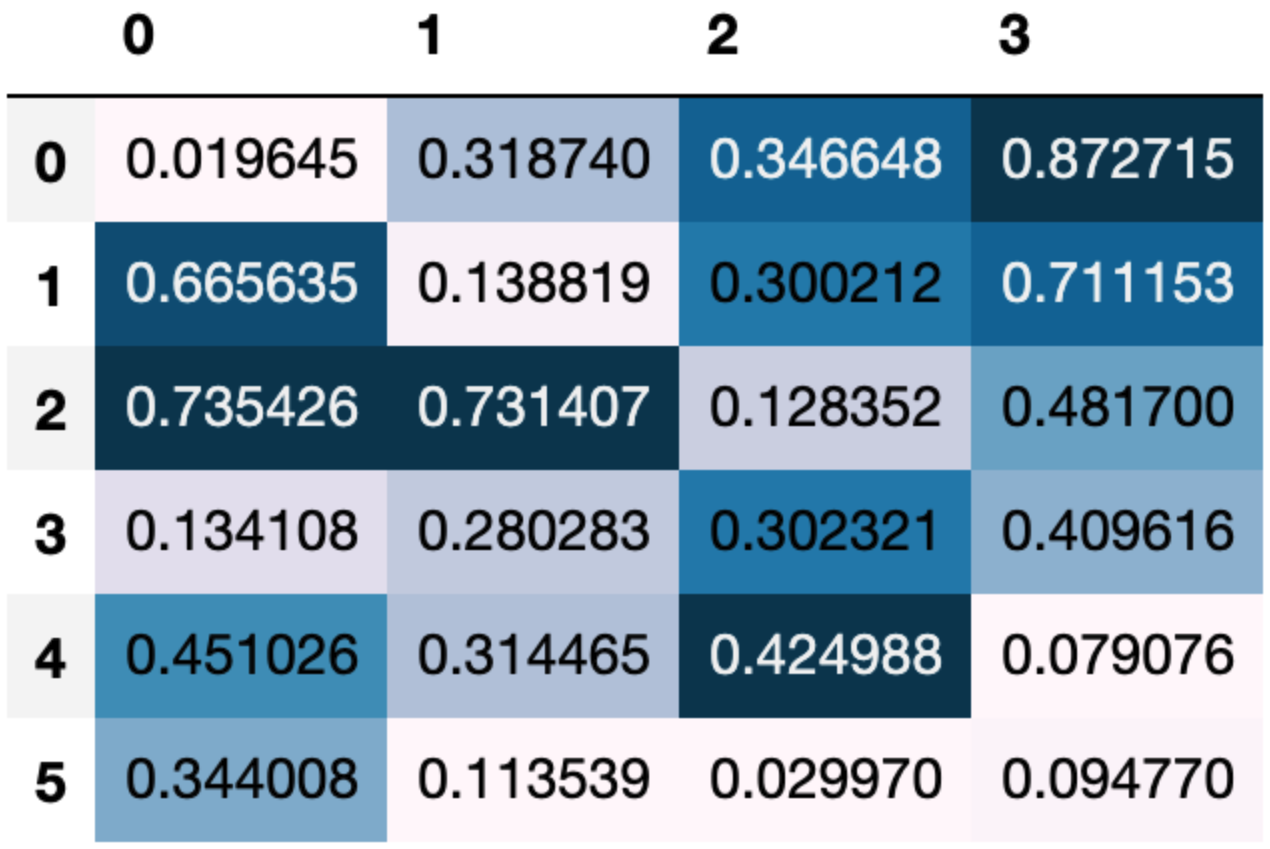
Pandas is a library that offers data analysis and manipulation tools built on top of NumPy. It provides data structures like DataFrames and Series, which simplify handling structured data and provide functionality for cleaning and processing data. Pandas aids in transforming raw data into formats suitable for analysis, offering methods to read and write data across different formats such as CSV, Excel, or SQL databases.
The library handles data wrangling and analysis workflows, making it suitable for exploratory data analysis (EDA) tasks. Its API allows for concise expressions of complex operations, enabling quick data manipulation tasks.
2. PySpark
- License: Apache-2.0
- Repo: https://github.com/apache/spark/tree/master/python/pyspark
- GitHub stars: 40K+
- Contributors: 2K+
PySpark is the Python API for Apache Spark, providing tools for distributed, large-scale data processing and analysis. It supports Apache Spark's core features, including Spark SQL, DataFrames, Structured Streaming, MLlib for machine learning, and Spark Core, making it suitable for both batch and real-time data workflows.
PySpark allows Python developers to process massive datasets interactively through its shell or programmatically in a distributed environment. Spark SQL and DataFrames enable the use of SQL alongside Python code for efficient data transformations and queries. The Pandas API on Spark provides a familiar interface for scaling pandas workflows to big data.
3. dbt

- License: Apache-2.0
- Repo: https://github.com/dbt-labs/dbt-core
- GitHub stars: 10K+
- Contributors: 300+
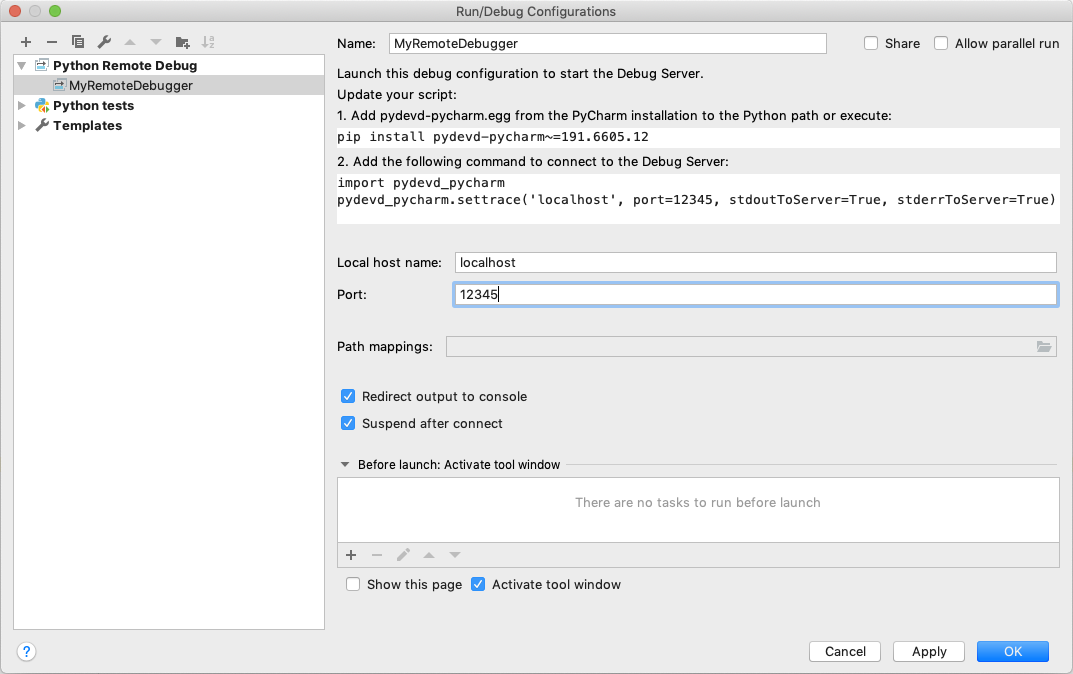
dbt (Data Build Tool) is an open-source command-line tool to simplify data transformation within data warehouses. It focuses on the "Transform" step in Extract, Load, Transform (ELT) workflows, enabling analytics engineers to create reusable and maintainable data models using SQL select statements and Python data frames.
With dbt, users can define transformations in a modular way, using version control and testing practices common in software engineering. dbt compiles SQL queries into executable workflows, which can be scheduled and executed in the data warehouse, producing views or tables. YAML files are used to define metadata, properties, and configurations.
4. DuckDB

- License: MIT
- Repo: https://github.com/duckdb/duckdb
- GitHub stars: 24K+
- Contributors: 300+
DuckDB is an in-process analytical database system for high-performance query processing. It runs directly within the host application, requiring no external dependencies. DuckDB supports a feature-rich SQL dialect, enabling users to query, transform, and analyze data. Its portability allows it to run on Linux, macOS, and Windows across major hardware architectures.
The system supports analytical queries, leveraging a columnar engine for parallel execution. This design enables processing of datasets larger than the available memory, achieving high performance for complex aggregations and transformations. It provides native APIs for popular programming languages, including Python, R, Java, and Node.js.
Code Examples: Using Python in Data Engineering
Here are a few simple code examples that illustrate the use of Python for common data engineering tasks.
1. Data Collection
Python simplifies data collection using libraries like BeautifulSoup, Scrapy, and Requests. These libraries enable engineers to scrape web pages or fetch data from APIs, gathering structured or unstructured data from various sources.
Example: Scraping Financial Data from a Website
import requests
from bs4 import BeautifulSoup
url \= 'https://example.com/financial-data'
response \= requests.get(url)
soup \= BeautifulSoup(response.text, 'html.parser')
\# Extracting stock prices from a table
table \= soup.find('table', {'id': 'stock-prices'})
rows \= table.find\_all('tr')
for row in rows\[1:\]: \# Skipping header
cols \= row.find\_all('td')
print(f"Stock: {cols\[0\].text}, Price: {cols\[1\].text}")
This example demonstrates web scraping using BeautifulSoup to retrieve stock prices from a table on a webpage.
2. Data Transformation
Data engineers often clean, reshape, or aggregate data as part of the ETL (Extract, Transform, Load) process. Python libraries like Pandas and Dask are essential for these tasks, even when handling large datasets that can't fit into memory.
Example: Cleaning and Aggregating Sensor Data
import pandas as pd
\# Load the dataset
data \= pd.read\_csv('sensor\_data.csv')
\# Fill missing values and convert timestamp to datetime
data\['temperature'\] \= data\['temperature'\].fillna(data\['temperature'\].mean())
data\['timestamp'\] \= pd.to\_datetime(data\['timestamp'\])
\# Resample to calculate the daily average temperature
daily\_avg\_temp \= data.set\_index('timestamp').resample('D')\['temperature'\].mean()
print(daily\_avg\_temp.head())
In this example, Pandas is used to fill missing values, convert timestamps, and calculate the daily average temperature from a dataset of sensor readings.
3. Data Storage
Python can store data in SQL and NoSQL databases. Libraries like psycopg2 allow interaction with PostgreSQL, while PyMongo supports NoSQL databases like MongoDB. Python also integrates with distributed storage solutions such as Hadoop and Parquet.
Before proceeding, please install the pymongo library. You can install it using the following command:
pip3 install pymongo
Example: Storing Customer Data in MongoDB
from pymongo import MongoClient
client \= MongoClient('localhost', 27017\)
db \= client\['company\_db'\]
collection \= db\['customers'\]
customer \= {
'name': 'John Doe',
'email': 'john@example.com',
'purchases': \[{'item': 'Laptop', 'price': 1200}\]
}
\# Insert the document into MongoDB
collection.insert\_one(customer)
\# Query the database
result \= collection.find\_one({'name': 'John Doe'})
print(result)
4. Data Streaming
Python can handle real-time data streams through libraries like PySpark Streaming and Kafka-Python, enabling engineers to process large amounts of incoming data continuously. These tools are valuable in real-time data pipelines where immediate processing is required.
Example: Processing Log Data from Kafka
from kafka import KafkaConsumer
consumer \= KafkaConsumer(
'logs\_topic',
bootstrap\_servers=\['localhost:9092'\],
auto\_offset\_reset='earliest',
enable\_auto\_commit=True,
group\_id='log-consumers'
)
for message in consumer:
log\_entry \= message.value.decode('utf-8')
if 'ERROR' in log\_entry:
print(f"Error found: {log\_entry}")
Here, Kafka-Python is used to consume log data from a Kafka topic in real-time. The script filters and prints log entries containing errors.
5. Data Integration
Python is useful for combining data from multiple sources. Libraries like Pandas allow engineers to merge, concatenate, and reshape datasets from diverse file types such as CSV, Excel, or databases, making it easy to integrate data for analysis.
Example: Merging Sales Data from CSV and Database
import pandas as pd
import sqlite3
\# Load CSV data
csv\_data \= pd.read\_csv('sales\_data.csv')
\# Load data from a SQLite database
conn \= sqlite3.connect('sales\_db.sqlite')
db\_data \= pd.read\_sql\_query('SELECT \* FROM sales\_records', conn)
\# Merge the datasets on the "order\_id" column
merged\_data \= pd.merge(csv\_data, db\_data, on='order\_id')
print(merged\_data.head())
In this example, Pandas is used to merge sales data from a CSV file with data from a SQLite database. The merged dataset is ready for further analysis or reporting.
Orchestrating Python Data Engineering Workflows with Dagster
Dagster is a Python-based data orchestrator which seamlessly integrates with Python’s rich data engineering ecosystem, including its powerful machine learning and AI libraries. All of these are easily accessible from your data pipelines.
Dagster Pipes, meanwhile, lets you execute your existing workflows in other programming languages on external environments. This gives you the best of both worlds: the readability of Python and the flexibility to use other languages as needed, with full support for Dagster’s best-in-class data orchestration, observability, lineage, cataloging, and debugging capabilities.
Dagster also integrates with many of the most popular Python data engineering tools and libraries, such as dbt, DuckDB, Pandas, Ray, and more.
To learn more about how you can use Dagster in your data stack, please see this tutorial on setting up a simple Dagster project as a well-structured Python package.